
Ditch the frustration and learn Illustrator the smart way.
Most beginners waste years jumping between random tutorials and guessing their way through Illustrator. This course shows you exactly what to focus on, what to ignore, and how to build real, professional-level skills step by step.

⭐️⭐️⭐️⭐️⭐️
"This course changes everything."
"The way the content is structured makes it feel like you’re finally learning with purpose, not just clicking around or getting lost in endless tutorials with no real direction. If you’re serious about turning your design curiosity into something real, whether by freelancing, changing careers, or finally building creative confidence, this course is absolutely worth your time."
Elaine, UK
Does this sound like you?
✅ You have an idea, but struggle to create it.
✅ You want to create professional-level designs.
✅ You want to confidently make creative decisions.
You're not alone.
It took me years to realise the problem wasn't me, it was how I was learning Illustrator.
I remember years ago, staring at my screen, completely lost. I’d spent hours reading articles and watching Illustrator tutorials but still couldn’t design what was in my head, let alone get it looking good. I kept jumping between tools, following random videos, hoping something would finally click - the process was painfully slow and incredibly frustrating.
Even when I finished something, I had no idea if it was actually any good, and to be honest it all felt like guesswork for a long time.
Well after years of trial and error, I've finally figured it out.
Illustrator isn’t difficult, it’s just overwhelming when you try to learn everything, and in the wrong order. But when you focus on the tools that actually matter, and learn how to use them properly, everything changes.
That’s why I created Illustrator Like a Pro. It’s the course I wish I had on day one. So if you’re new to design or feeling stuck, this gives you the shortcut - a clear path, the right tools, and a way to start creating real pro-level work as fast as possible.
I spent years struggling so you don't have to!
What real people say.

⭐️⭐️⭐️⭐️⭐️
"At last an online course that manages to teach and remain fun and interesting."
"Dansky's course structure is full of useful tips and tricks, clear demonstrations, and explanations to follow and understand. Also, with each module, there are downloads so one can follow along with everything he is doing. This course is definitely worth it and I'm very satisfied with what I've seen thus far."
Nikkel, Trinidad & Tobago

⭐️⭐️⭐️⭐️⭐️
"Excellent course, especially for beginners."
"Excellent course, especially for beginners. All the tools and instruments are explained in detail, and there are many interesting examples that you can recreate or do according to your creativity. There's also great module challenges, and most importantly, you receive 24/7 support and help from Dansky."
Tetiana, Ukraine

⭐️⭐️⭐️⭐️⭐️
"The teaching master."
"Simple, fun and effective. Structured and logical. All wrapped up by a deep and pleasant voice."
Raquel, Portugal

⭐️⭐️⭐️⭐️⭐️
"I’m really proud of the progress I’ve made in such a short time."
"I’m really proud of the progress I’ve made in such a short time, and it’s a true reflection of Dan’s teaching and guidance. His support, especially through Discord, has been invaluable in helping me build confidence and develop new skills. While I still have more to learn before tackling more advanced tasks, this experience has given me a strong foundation to continue growing."
Kerry, UK

⭐️⭐️⭐️⭐️⭐️
"Dansky is a great, sympathetic teacher."
"Even as a seasoned designer, I found this course useful in just the first few lessons. There are so many little things that we are not taught in school that I am learning here. Dansky speaks clearly and is incredibly knowledgeable. I totally recommend for beginners, and experienced designers too."
Michelle, USA
Learn Illustrator properly without wasting years.
✅ Learn the tools and techniques that matter, to achieve the best results.
✅ Built by a designer who took the long road, so you don't have to.
✅ Develop real-world design thinking and problem-solving capabilities.
✅ Apply what you learn to your own graphics and designs immediately.
✅ Personal support from me, something most courses don't offer.
✅ The only Illustrator course you will ever need.
The 8 essential steps to learn Illustrator like a pro.
Step 1
Set up Illustrator the right way from day one.
Learn how to set up Illustrator properly so it actually makes sense. You will understand the interface, tools, panels, artboards, documents, and preferences. This removes confusion early and gives you a solid foundation to work confidently and efficiently from the start.
Step 2
Draw clean, precise shapes with total control.
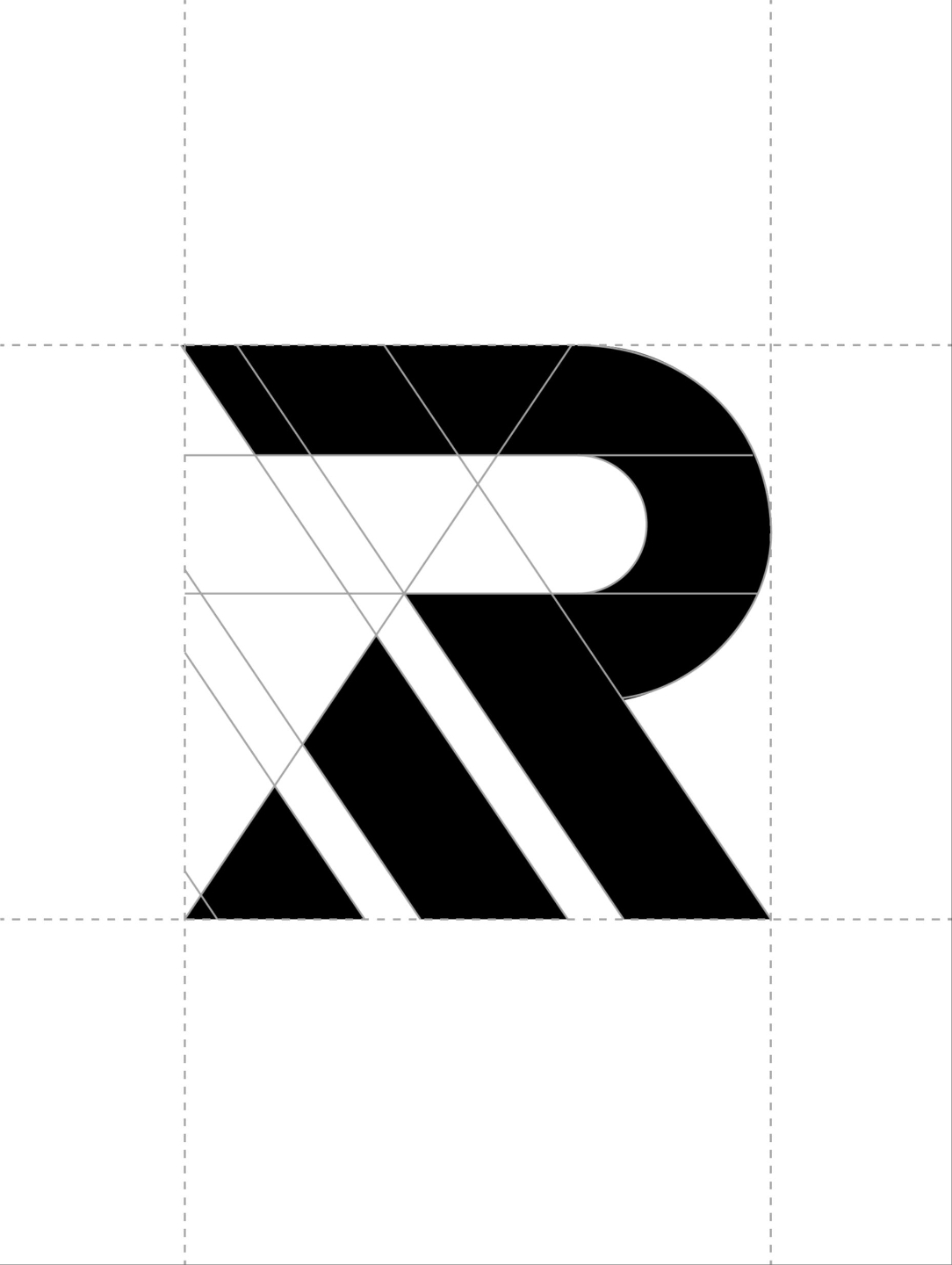
Master the core drawing tools used by professional designers. You will learn how to work accurately with shapes, paths, anchors, handles, alignment, and snapping. This gives you full control over your artwork instead of fighting messy lines or imprecise shapes.

Step 3
Build complex artwork using shape building techniques.
Learn how professionals construct complex designs from simple shapes. You will master Pathfinder, Shape Builder, compound paths, and advanced construction methods that allow you to create clean icons, illustrations, logos, and graphics with precision and consistency.

Step 4
Use colour, strokes, and gradients properly.
Understand how colour works in Illustrator. You will learn how to apply and control fills, strokes, gradients, swatches, and colour systems. This helps you create artwork that looks polished, consistent, and professional rather than flat or accidental.
Step 5
Create typography that looks intentional and professional.
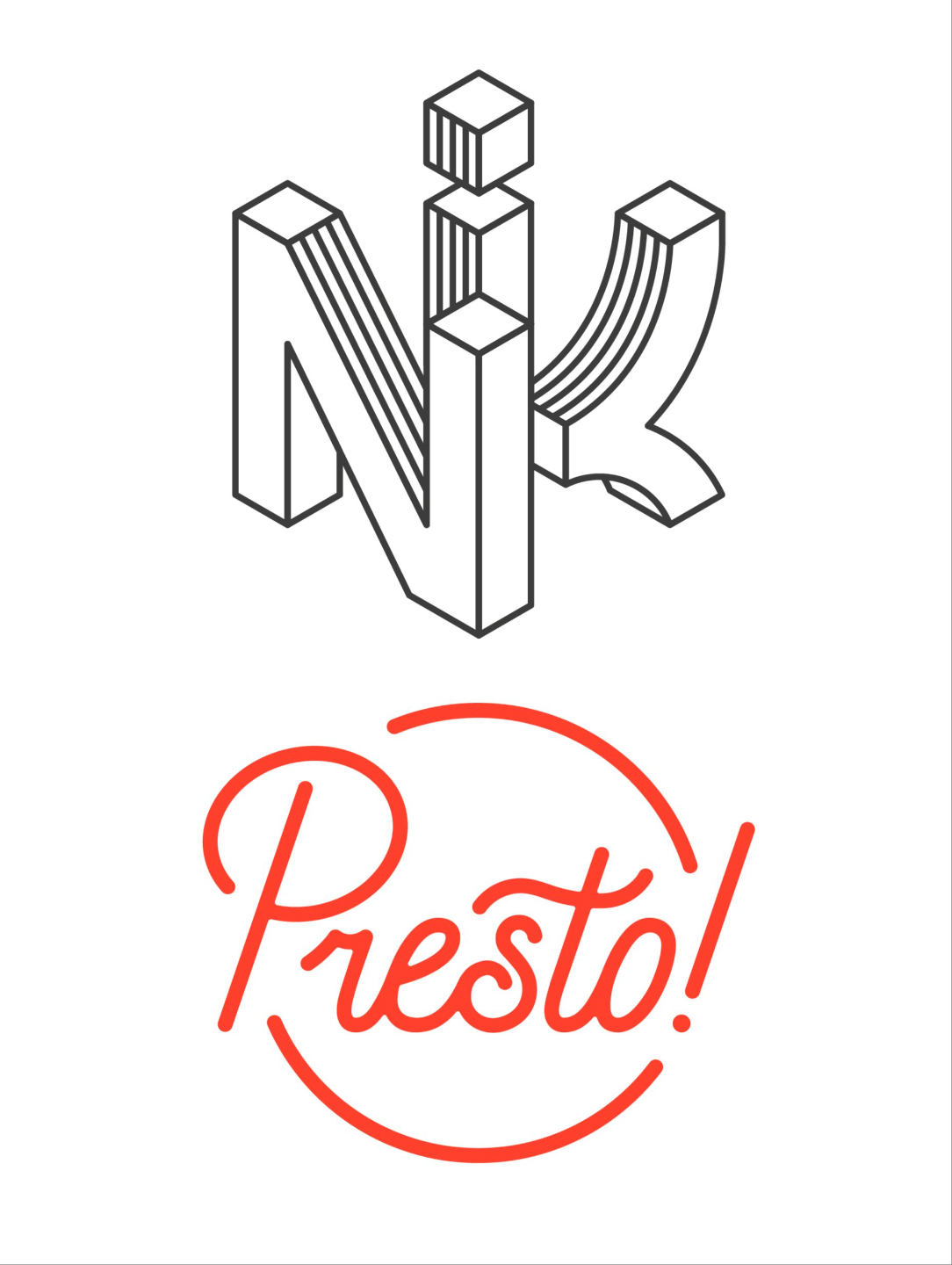
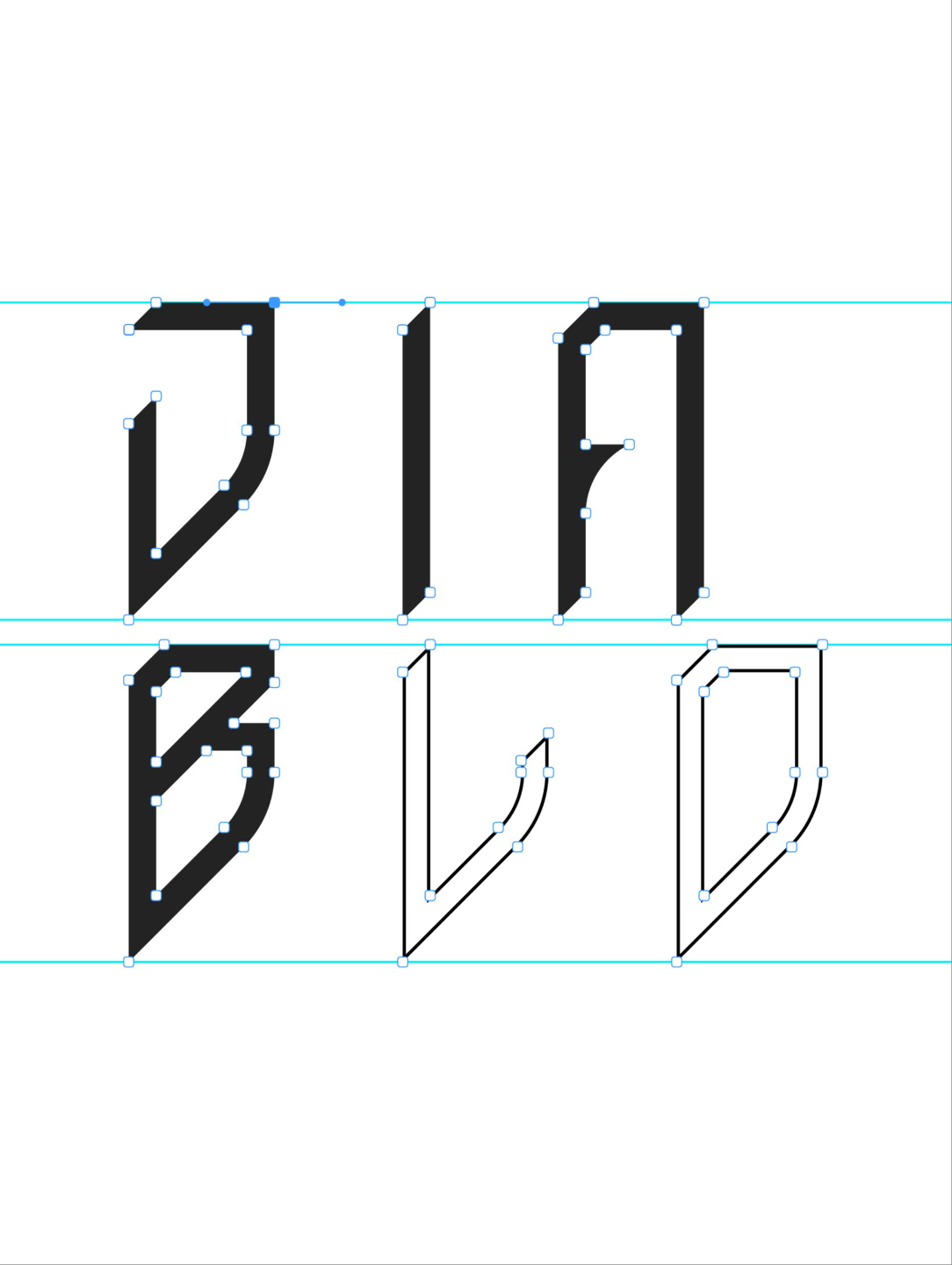
Learn how to work with type correctly inside Illustrator. You will understand how to set, style, align, modify, and customise typography, including converting type to outlines, adjusting spacing, and combining type with shapes to create strong, well balanced designs.
Step 6
Work with images, patterns, brushes, and textures.
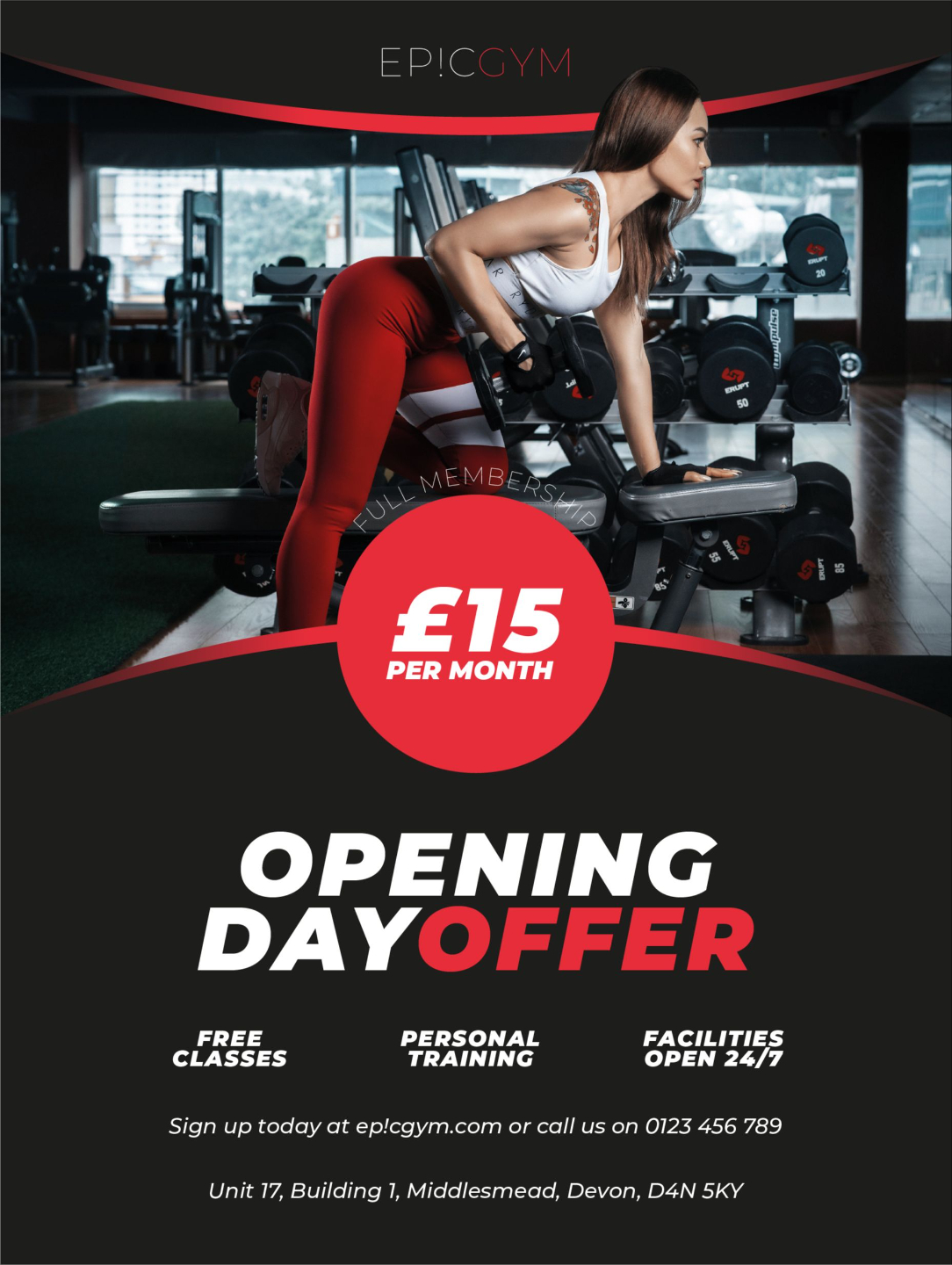
Learn how to combine vector artwork with images, clipping masks, brushes, and textures. You will discover how to add depth, detail, and character to your designs without losing control, making this ideal for illustrations, posters, and branded graphics.

Step 7
Unlock advanced Illustrator features to speed up your workflow.
Move beyond the basics and learn the tools professionals rely on daily. You will work with graphic styles, symbols, patterns, perspective, appearance settings, automation features, and advanced effects to work faster while staying consistent.

Step 8
Design real world projects and export like a pro.
Bring everything together by creating professional level designs such as logos, layouts, and branding assets. You will also learn how to save, export, and share your work correctly for print, web, and clients so your designs always look exactly as intended.
A clear, structured learning path.
Foundation Level
-
Module 1 - Getting Started
6 lessons- 1.1 - Introduction
- 1.2 - Installing Illustrator
- 1.3 - Creating and Saving Documents
- 1.4 - User Interface and Workspaces
- 1.5 - Navigation
- 1.6 - Rulers, Grids and Guides
-
Module 2 - The Fundamentals
5 lessons- 2.1 - Essential Tools
- 2.2 - Transforming Shapes
- 2.3 - Combining Shapes
- 2.4 - Aligning Objects
- 2.5 - Layers and Artboards
-
Module 3 - Colours, Strokes and Gradients
6 lessons- 3.1 - Working with Colour
- 3.2 - Tints and Shades
- 3.3 - Colour Profiles
- 3.4 - Strokes
- 3.5 - Gradients
- 3.6 - Recolour Artwork
-
Module 4 - Drawing Tools and Techniques
6 lessons- 4.1 - Drawing Tools
- 4.2 - Drawing Assistance Tools
- 4.3 - Pen Tool
- 4.4 - Pen Tool Alternatives
- 4.5 - Drawing and Symmetry
- 4.6 - Live Painting
-
Module 5 - Working with Type
7 lessons- 5.1 - Adding Text
- 5.2 - Type on a Path
- 5.3 - Glyphs and Stylistic Alternates
- 5.4 - Wrapping Text
- 5.5 - Warping Text
- 5.6 - Advanced Text Effects
- 5.7 - 3D Text
-
Module 6 - Working with Images
3 lessons- 6.1 - Placing Images
- 6.2 - Working with Masks
- 6.3 - Image Tracing
-
Module 7 - Working with Brushes
4 lessons- 7.1 - Brushes
- 7.2 - Scatter Brushes
- 7.3 - Art Brushes
- 7.4 - Pattern Brushes
-
Module 8 - Advanced Features
7 lessons- 8.1 - Symbols
- 8.2 - Making Patterns
- 8.3 - Warping Objects
- 8.4 - Blending Objects
- 8.5 - Intertwining Objects
- 8.6 - 3D Graphics
- 8.7 - Effects and Filters
-
Module 9 - Saving and Exporting
3 lessons- 9.1 - Exporting for Print
- 9.2 - Exporting for the Web
- 9.3 - Packaging Files for Distribution
-
Practice Projects
2 lessons- Project Donut Illustration
- Project Poster Design
-
2025 New Features
4 lessons- Objects on Path
- Improved Image Trace
- Improved Mockups
- Generative Shape Fill
-
2026 New Features
3 lessons- Enhanced Font Browser
- Gradient Presets & Settings
- Smarter Snapping & Artboard Names
Mastery Level
-
Welcome to the Illustrator Master Class
1 lesson- Course Introduction
-
Module 1 - Advanced Drawing Tools and Techniques
7 lessons- Pen Tool Exercises
- Drawing Smooth Curves
- When to Skip the Pen Tool
- Puppet Warp Trick
- Shadows and Highlights
- Combining Multiple Effects
- Complex Shapes with Simple Blends
-
Module 2 - Advanced Typography
7 lessons- Anatomy of Typography
- Customising Type
- Creating Custom Lettering
- Scale Text Gradually
- Auto-Resizing Text Boxes
- Variable Fonts
- Using Glyph Bounds for Alignment
-
Module 3 - Layout, Precision and Grids
6 lessons- Types of Grid Systems
- Custom Grids
- Isometric Grids
- Pixel Perfect Icons
- The Golden Ratio
- Rule of Thirds
-
Module 4 - Logo and Identity Design
8 lessons- Types of Logo Design
- Logotype Design
- Isometric Logo Design
- Simplification for Scalability
- Aligning for Optical Balance
- Complex Shape Building
- Distortion Effects
- Design Cleanup Workflow
-
Module 5 - Brushes and Patterns
4 lessons- Brushes and Design
- Advanced Art Brushes
- Patterns and Motifs
- Mandala Design
-
Module 6 - Perspective, 3D and Illustration
5 lessons- Isometric Actions
- Isometric Diagrams
- Isometric Illustrations
- Working with Depth of Field
- Advanced 3D Graphics with Dimension
-
Module 7 - Advanced Effects and Graphic Styles
5 lessons- Stacking Appearance Effects
- Texture and Grain
- Glassmorphism
- Halftone
- Neon
-
Module 8 - Graphs and Data Visualisation
4 lessons- Data Tables
- The Graph Tool
- Data Sets and Variables
- Advanced Data Visualisation
-
Module 9 - Automations, Workflows, and Integrations
4 lessons- Custom Scripts
- Generating Scripts with AI
- Libraries
- Animating in After Effects
Get direct support from me, plus a few extra bonuses.

Personal support from me directly.
Get hands-on feedback to improve your logos, illustrations, and creative work - with expert advice every step.

Live monthly members meet-up.
Join exclusive sessions to explore time-saving techniques, share progress, and get questions answered live.

Members-only community area.
Connect with other designers, ask questions, share your work, and get ongoing support from the community.

Pay once, get lifetime access.
One payment gives you full course access forever - including future updates, resources, and improvements.

30 day money-back guarantee.
Try it risk-free. If it’s not right for you, get a full refund within 30 days - no hassle, no questions asked.
Your success is guaranteed, and investing in this course is 100% risk-free.
I know how nerve-wracking it can feel to invest in something new, so I’ve taken all the risk off your shoulders. I want you to feel completely confident in your decision to enrol in this course.
If within 30 days you still don’t feel confident with Illustrator, or you’re not completely satisfied, I’ll happily refund your full investment.
This guarantee applies within 30 days of enrolment, provided less than 50% of the course has been completed.
Everything you need to know before enrolling.
Who is the course for?
What do I get and how long is the course?
What if something I want to learn isn't covered?
What do I need to complete the course?
Why is the course more expensive than others?
What if the course isn't right for me?
What payment methods are accepted?

Ready to finally make progress, and stop feeling stuck?
You’ve spent enough time second-guessing your designs, wondering if you’re doing it right, and feeling stuck trying to learn Illustrator through scattered tutorials.
You don’t need to keep guessing. Illustrator Like a Pro gives you the structure, clarity, and support you need to finally design with confidence - without wasting years trying to figure it out on your own.
You can keep struggling through trial and error… or you can enrol today and finally take control of your creative growth.
Every day you wait is more time lost, more missed opportunities, and more frustration. Don’t let hesitation hold you back any longer.